
Urgent help when it’s had a drink it shouldn’t have
Don’t panic — this is probably not the end of your MacBook. At UK Mac Repair, we specialize in rescuing liquid damaged MacBooks. We fix 3 or 4 per week — but the sooner you act, the better your chances of saving both your MacBook and your data.
1. Turn it off (hold power key down for 10 seconds)
2. Disconnect the charger
3. Don’t keep trying to turn it on
4. Don’t put it in rice
5. Get it inspected soon [by a good repairer rather than a good replacer.]
We don’t recommend going to Apple for repair:
1. Apple warranty does not cover liquid damage.
2. Apple will quote to replace the logic board and you will lose your data.
3. Apple’s prices are extremely high. They quote £730 for repair of a 13inch 2020 MacBook Air.
WHAT WE CAN DO? A lot more than Apple for a lot less!
Repair at component level — saving the original logic board and your data – for half the price of Apple.
If the logic board gets wet corrosion occurs within minutes accelerated by the electrical current flow. We can repair the corrosion at the component level leaving your data untouched. If the corrosion is particularly severe and you don’t need the data we can even replace it with a board far cheaper than Apple.
For light spills that just make the keys sticky – we disassemble the keycaps and scissor mechanisms and ultrasonically clean them. If the liquid has penetrated deeper into the keyboard and caused electronic malfunction we replace the entire keyboard with an immaculate used one from our vast stock.
WHAT DOES LIQUID DAMAGE REPAIR ACTUALLY INVOLVE
An example of a real MacBook liquid-damage repair
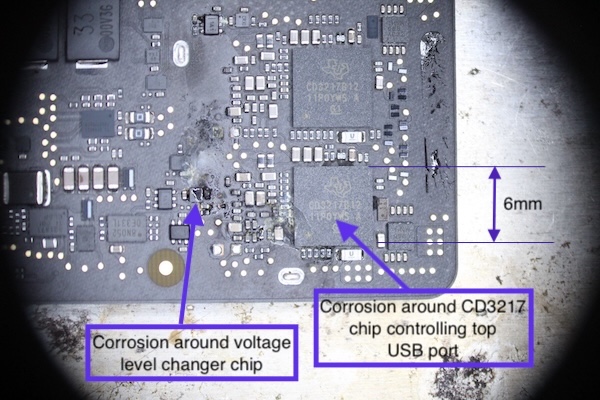
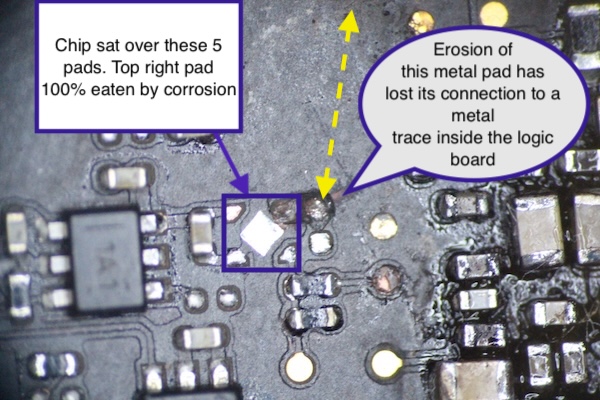
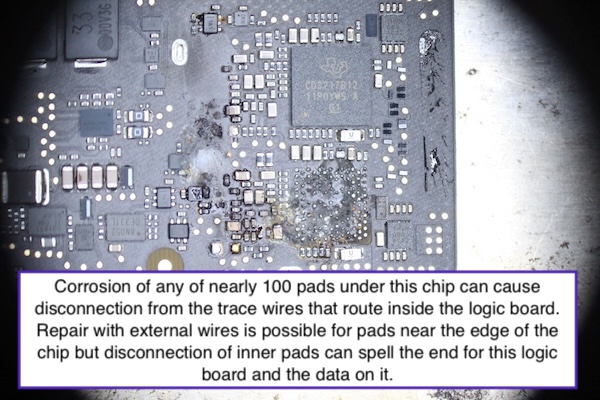
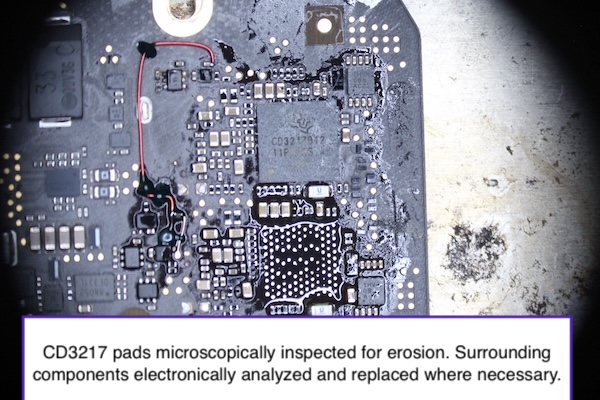
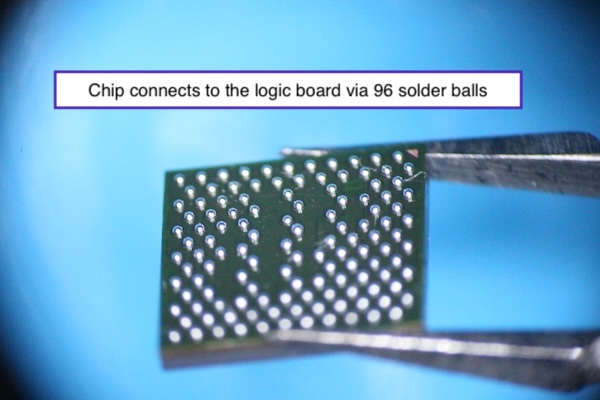
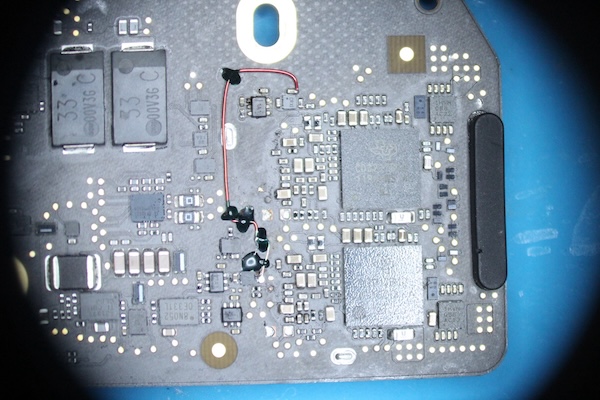
In this example, corrosion had developed beneath two chips on the logic board. One area contained 123 solder pads beneath a 6mm-square chip. The board had to be diagnosed, the damaged chip removed, the affected area repaired and a new chip fitted before the board could be tested.
Our Repair Philosophy
We give you a fixed-price repair quote. No increases full stop. We can only offer this ‘peace of mind’ by performing a very thorough inspection because the last thing we want after issuing a fixed-price quote is the surprise appearance of a fault we didn’t spot at inspection.
However, we don’t always replace a module just because it got wet – it may not actually have been affected. MacBooks are intelligent devices that power down modules that are not in use. For example: if the display was closed when the MacBook got wet there was no power to the display, keyboard or trackpad. Corrosion requires the presence of liquid and electricity so with only one present there will be no corrosion. If they pass visual inspection and testing we may recommend leaving that module in service.
The Process – leading to a fixed price quote
The first step is to ask you a number of questions that will help us understand what you ideally want and what you will accept. The online form is near the bottom of this page.
The second step requires us to have the MacBook in our workshop for a thorough inspection. Each major part is examined visually and electronically to determine if it has avoided liquid damage. We decide if it should be repaired, replaced or reused.
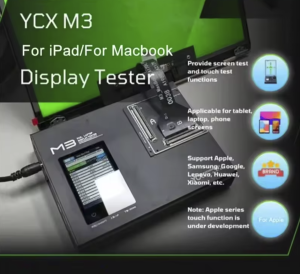
e.g. The display is a ‘big decider’ on the affordability of a repair so it is connected to our professional display tester to check for correct functioning and presence of liquid stains on the backlight.
Inspection of the logic board is mostly visual to spot liquid flow and determine the level of corrosion [if any].
Visual inspection of the keyboard is limited but a functional test is possible.
Visual inspection of the trackpad electronics is easy once removed.
We keep a large stock of immaculate used keyboards, trackpads, speakers, batteries etc from which we can get you up and running quickly.
The following table shows some of the logic behind our repair methodology:
| Module | What we check for | Possible solution | Mitigation |
|---|---|---|---|
| Display | Function, liquid stains internal to backlight, camera, light sensor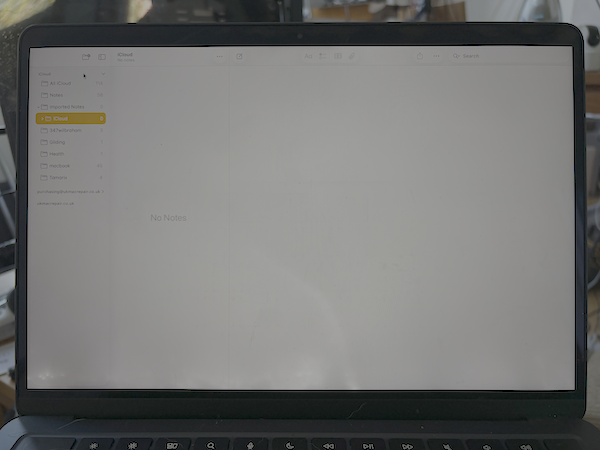 | Stains: Test and photograph any backlight stains and ask customer if they can accept or if they prefer a new or used replacement. | Backlight stains do not have a bearing on display reliability and living with them can save £300+ in repair costs. |
| Logic Board | Function: Boot, USB port health, visible corrosion, liquid stains, video output, audio output quality | No fault: Ultrasonic clean, leave in service. Light or moderate corrosion: Microelectronic repair. Heavy corrosion: Replacement often more economical if data not critical | Corrosion does not continue once liquid is removed or dried up so repair produces a board as reliable as before the liquid event. |
| Keyboard | Key electronic function, mechanical feel, backlight | No fault: Leave in service. Replace later if faults develop indicating hidden moisture (+£100 later). Faults: Replace with immaculate used. Sticky Keys: Disassemble and ultrasonic clean. | The electronic parts of a keyboard cannot be accessed for inspection. If keyboard works there may be no liquid present. Fix on fail. Supply immaculate used if/when necessary as far cheaper than new Apple part at £300+ . |
| Trackpad | Function | Replace if faulty | Trackpads are relatively inexpensive. |
| Battery | Communication with battery management unit (BMU). | Replace with new if no comm. | Batteries are relatively inexpensive. |
Caveat
We may not be able to test the display’s camera functionality until the logic board can be booted into MacOS. So there is a possibility that a non-functioning camera may be discovered late in the repair process. Cameras cannot be replaced without removal of the LCD panel and backlight [which damages them] so the customer that has accepted reuse of their original display must accept that in this rare situation they will have to either accept use of a external USB camera [typically costing £15+] or accept further charge for display replacement.
Module Considerations in Detail
Logic Board
If there are faults on the logic board we can repair it at the component level which is required if data recovery is important to you. If your data is not important and corrosion is widespread we have logic boards in stock which we can offer as more economical than performing a repair. This can be useful to those who need a MacBook working urgently although it will have a fresh MacOS without your data.
To repair a logic board it’s very important NOT to ultrasonically clean the logic board too early because it removes evidence which can help in diagnosis. Liquid in contact with live electronics results in corrosion. Some visible and some hidden. The hidden corrosion may only be discovered by noticing a liquid stain mark. Ultrasonic cleaning is useful after a successful repair to remove flux residue used during soldering but ultrasound for about 30 seconds is all that is needed – too long and damage can occur.
Shops pushing the idea that their ultrasonic clean can mend a faulty logic board is dishonest and the only result will be ‘cleaning the crime scene before the authorities can start their investigation’. Would you pay someone to ultrasonically clean your car if they say it might fix the engine?
Display
One of the first modules we test is the display as it is a particularly expensive module to repair or replace. Besides the obvious functionality test we look to see if any liquid has got in and stained the optical layers that make up the backlight. Stained backlights can be lived with by some. But if you want perfection we have new and used screens waiting in stock.
Keyboard
If your keyboard still works but is just sticky we can disassemble and ultrasonically clean the keycaps and scissor mechanisms to make it feel like new again.
If any key fails to produce an appropriate character or effect the only solution is to replace entire keyboard and this is why we keep a stock of immaculate used keyboards complete with palm-rest and speakers.
Trackpad
Trackpads are sensitive to liquid because their electronics are easily exposed by spills on the palm-rest. We have trackpads in stock ready and waiting.
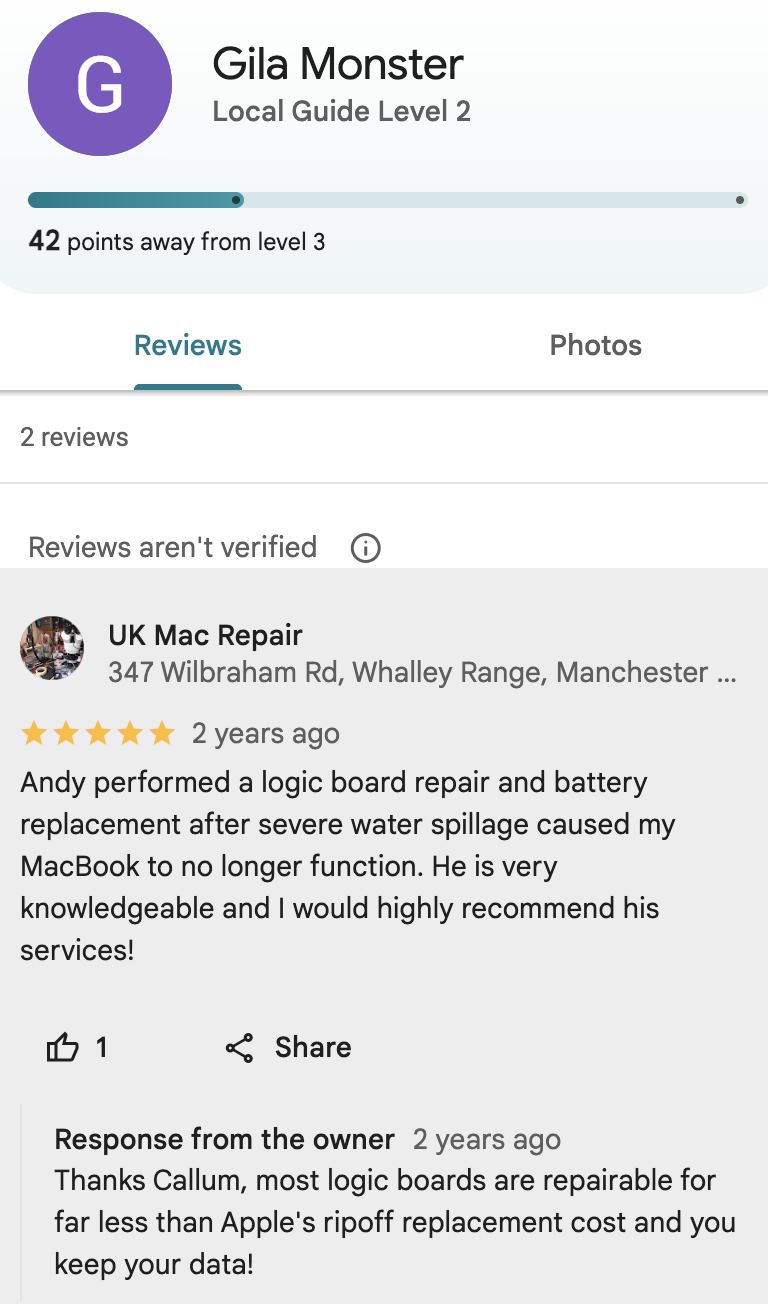
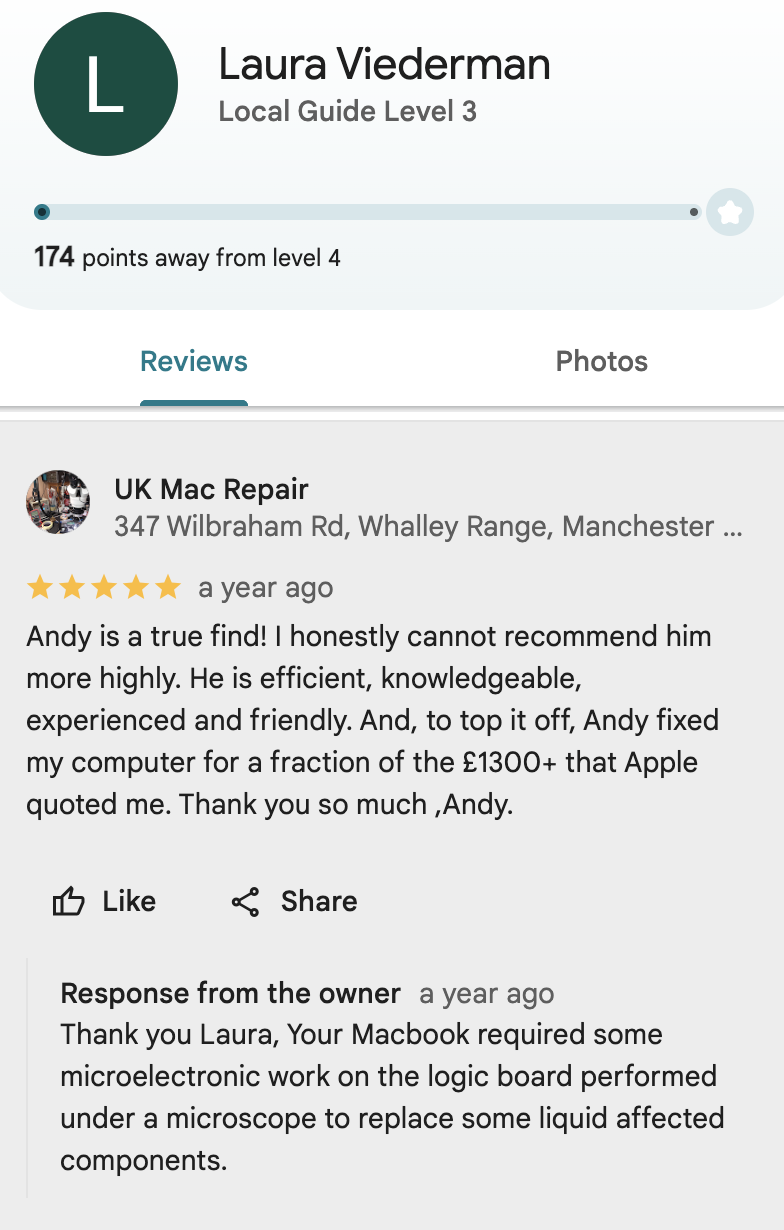
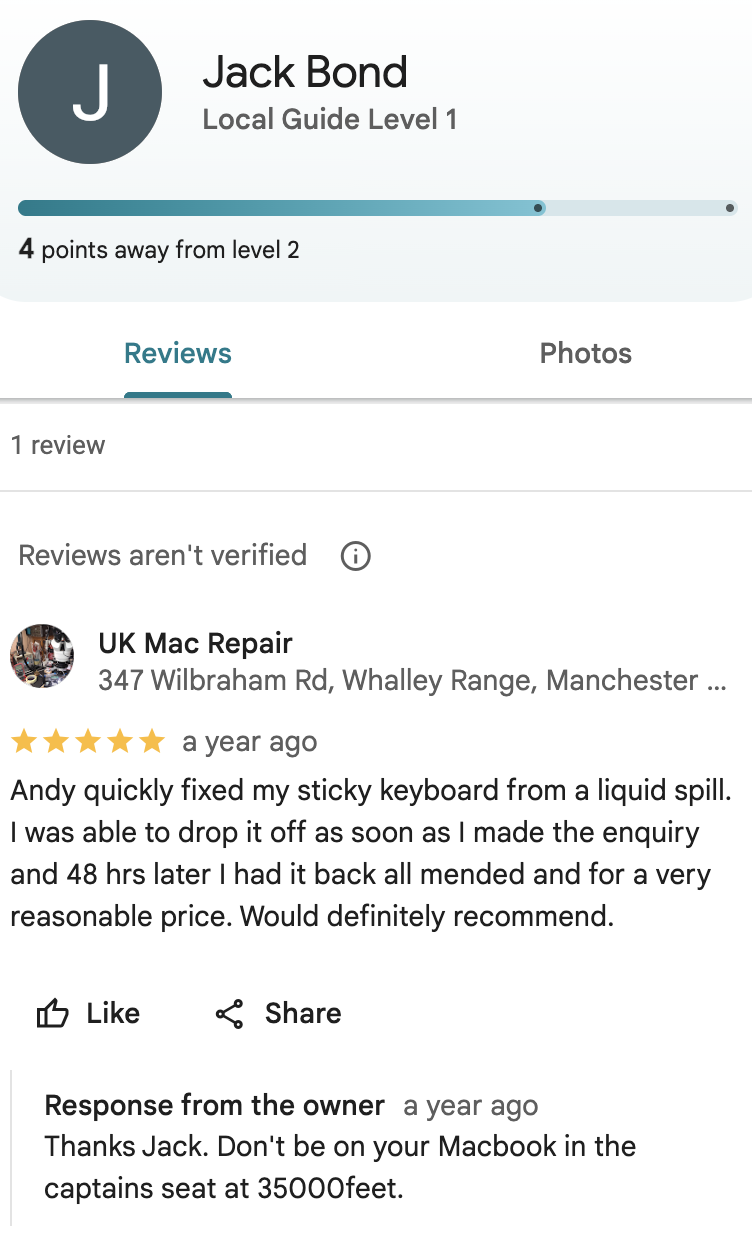
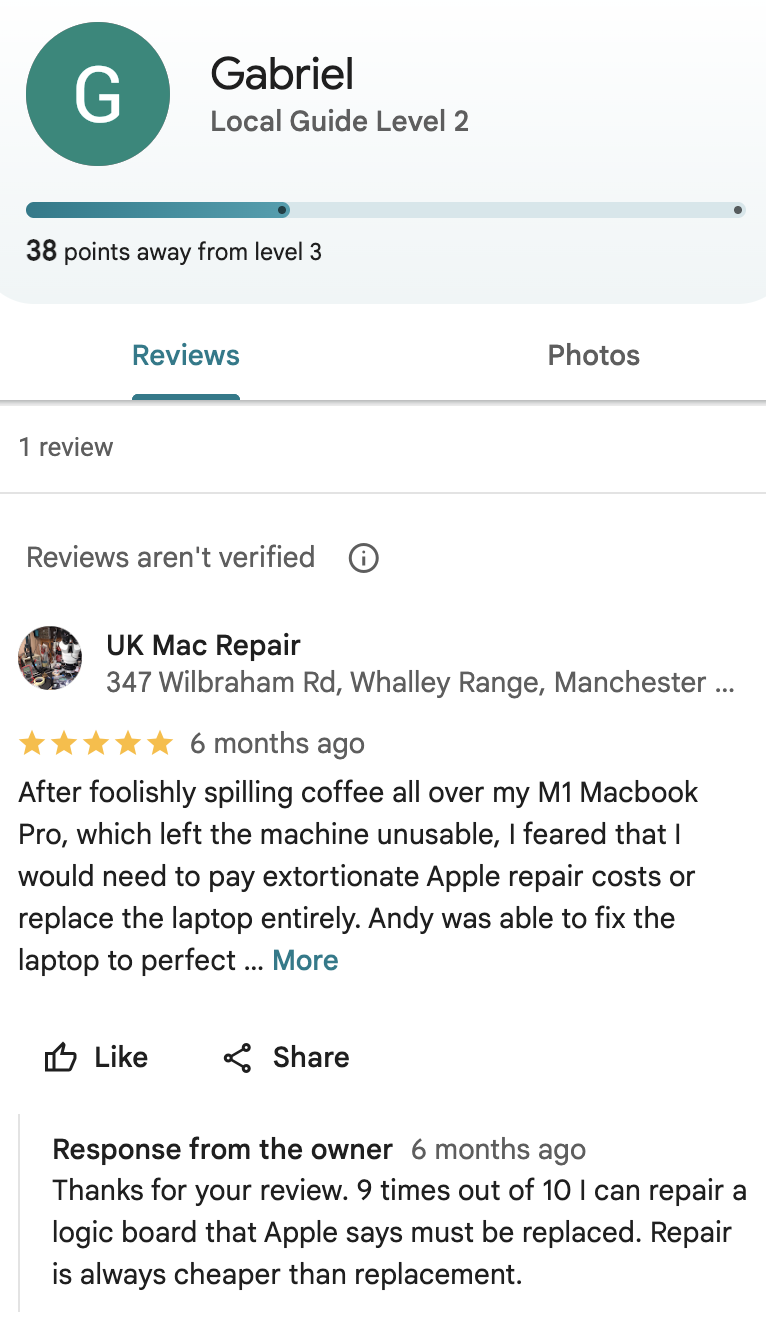
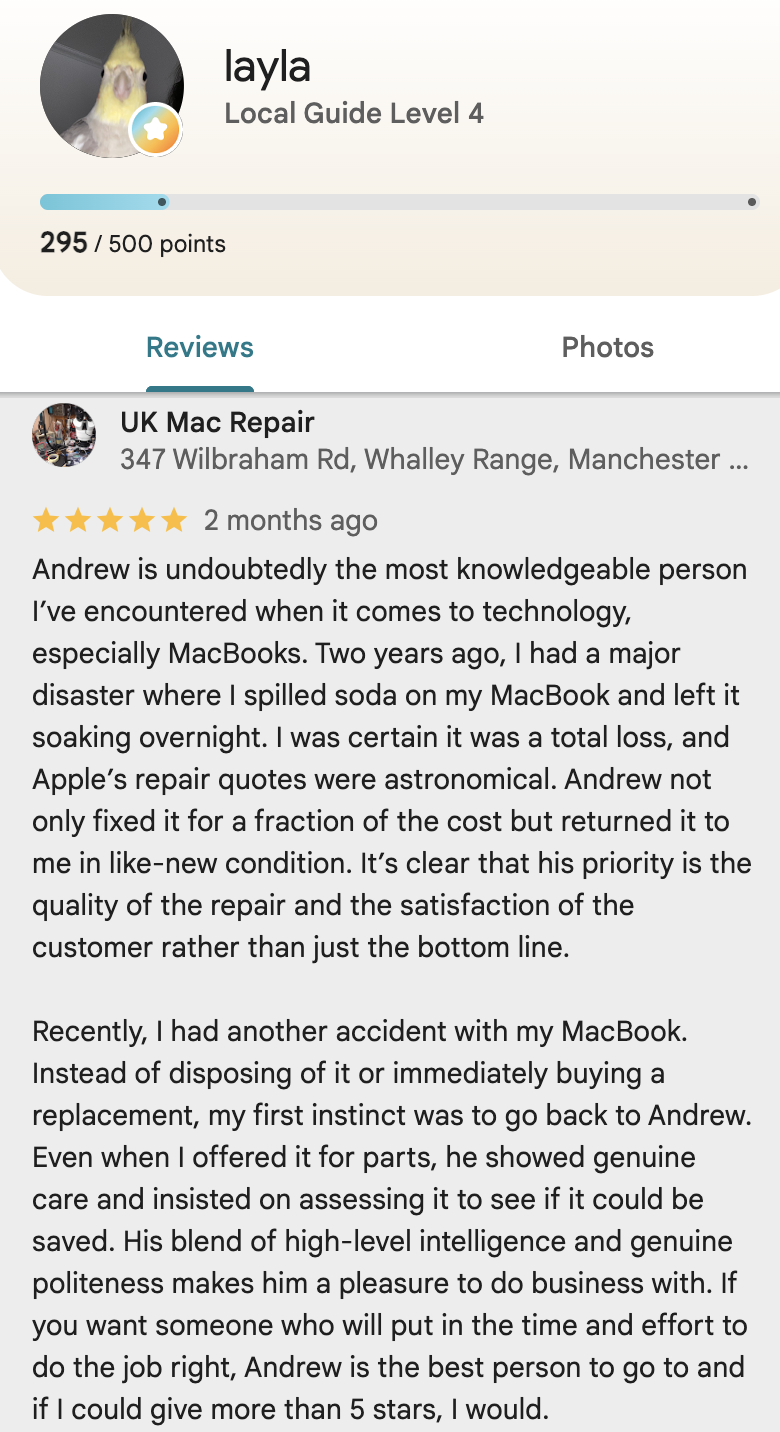
Screenshots of some of our liquid damage related Google reviews
Enter the model number in the search box.
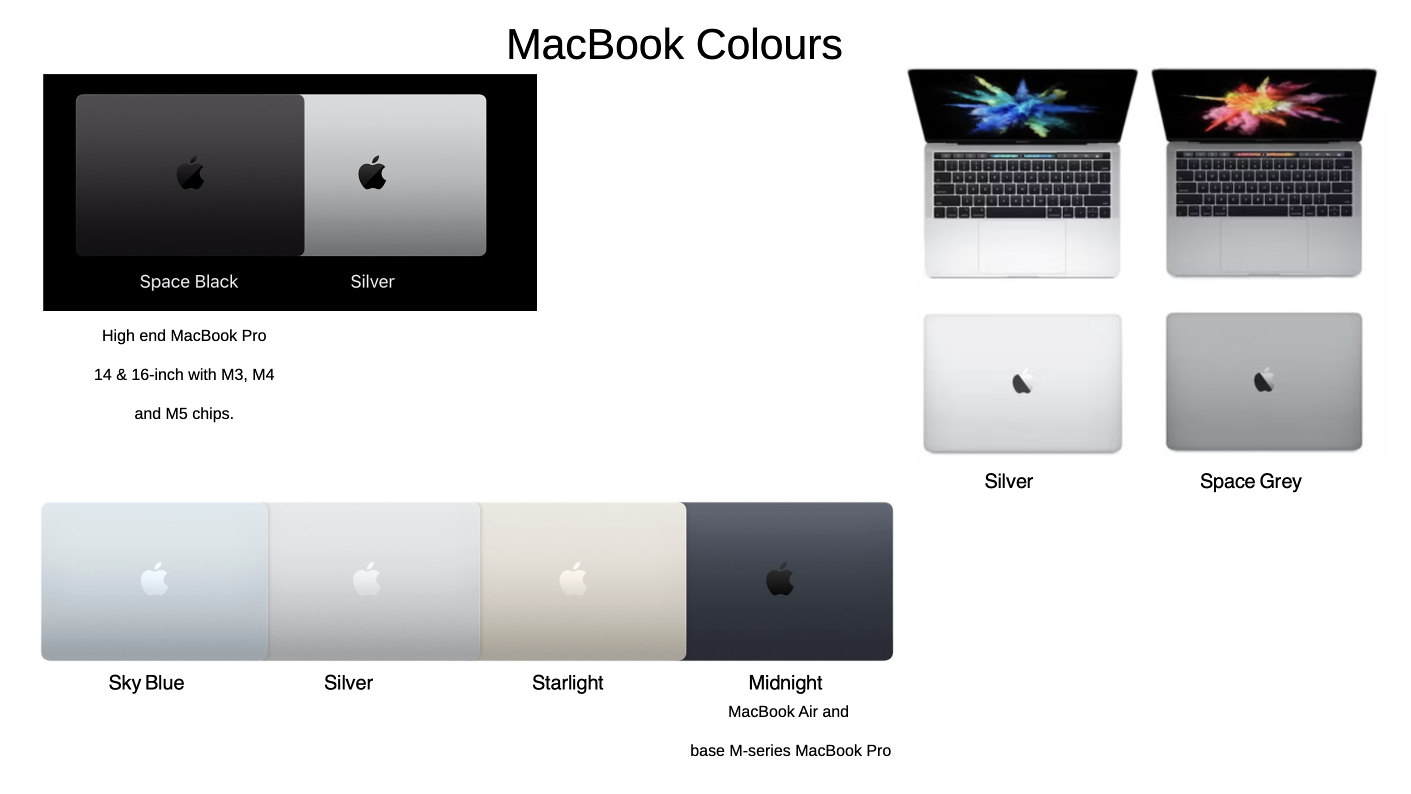
The correct colour name is important too – we may have matching used or exchange parts available.
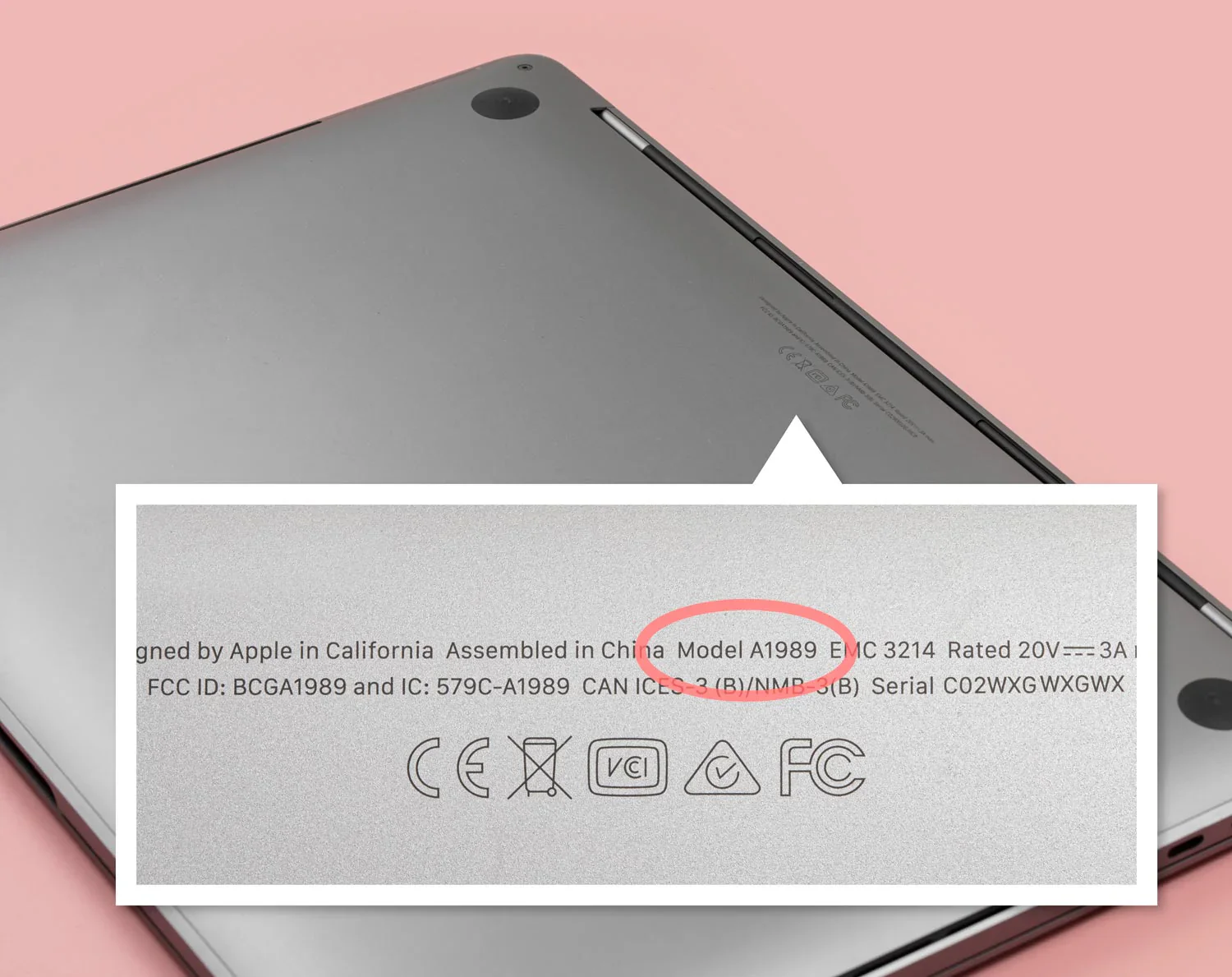
Find the model number on the case. Format is A + 4numbers. e.g. A2338
Find the colour if you’re not sure
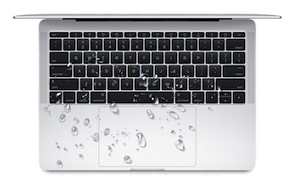
If you’ve had a spill but your MacBook is still working you would be wise to have it checked out. If you take it to Apple, liquid or evidence of liquid exposure can affect warranty coverage and may result in a costly replacement-based repair quote. Bring or send it to UK Mac Repair and have us inspect every component under a microscope. We will ensure any remaining liquid, tide mark, moisture and corrosion is removed. You gain the confidence that your MacBook truly dodged a bullet. Then if you take it to Apple in the future, they won’t be able to point to a historic tide mark and use it as evidence of liquid exposure.