
Signs you need a screen replacement:
- Curved edges to blacked out areas means there are cracks in the glass behind the acrylic front
- Vertical or horizontal lines or bars indicates electronic prolems
- Stage light effect at bottom of screen indicates some backlights have failed
- Image changes with screen angle caused by fatigue cracking of the ribbon cable
Signs that could be the screen or the logic board:
- The backlight is off but you can see an image when you hold a torch close to the screen.
- Screen flickering
- You can see a dim backlight [in a darkened room] but no image displayed
Get a Quote
Enter your MacBook’s model number to get a quote for screen replacement. This is printed on the underside of your MacBook.

| # | Liquid Spill Inspection | Price |
|---|---|---|
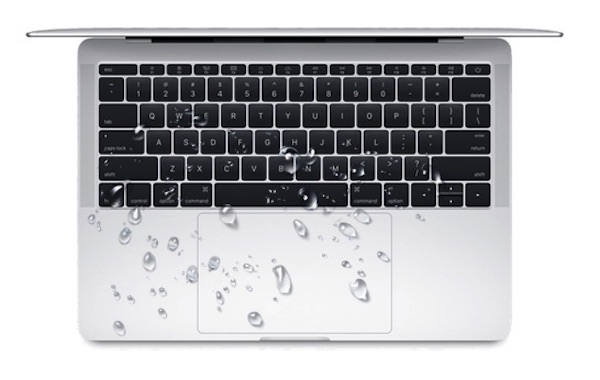
| 1 | If you’ve had a spill but your MacBook is still working you would be wise to have it checked out. If you take it to Apple they will cancel your warranty on the first sign of liquid or even a tide mark and then give you a massive repair quote. Bring or send it to UK Mac Repair and have us inspect every single component under a microscope. We will ensure any remaining liquid, tide mark, moisture and corrosion is removed. You gain the confidence that your MacBook truly dodged a bullet. | £99 |
Computer won’t turn on? Battery won’t charge?
We’ll help you get back to normality.